
I know that when it comes to track planning software, we usually want to see the actual tracks and turnouts—preferably with roadbed. However, any track planning software that offers a centerline view brings an added level of advantage. When it comes to actual track laying on your layout or module, you typically draw centerlines to guide the placement of roadbed (cork, foam, or other materials) or directly position tracks and turnouts along those lines. These centerlines ensure that the tracks are properly aligned.
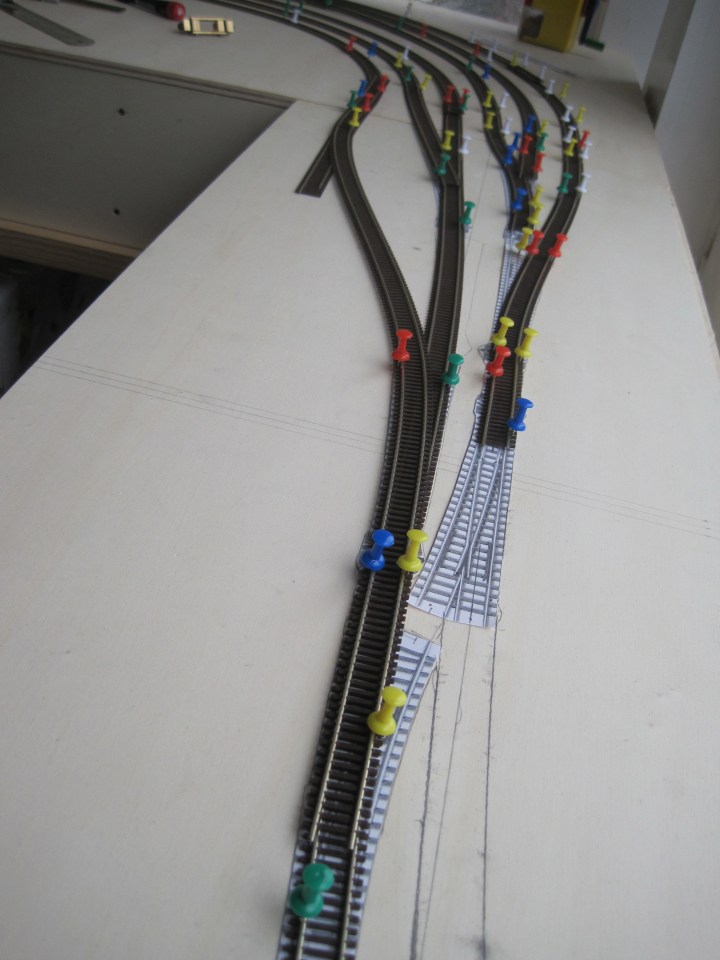
Why not do the same in your track planning software? AnyRail offers this feature under Show → Centerline, and I use it all the time. It helps guide where to place tracks and turnouts, especially when flexing flex track. In addition, I have various red dotted guide lines marked on my modules. Combined, the track centerlines and these dotted guidelines help me lay out and fine-tune the overall track plan.

You can toggle between Centerline and Detailed (or Track) views if you want to check the actual track images instead of seeing only thin lines.

 germaN:160 by traiNmaster