
I used to suffer occasional “the cart before the horse” syndrome. Really …. though lesser these days as I became older and wiser (?) hmm …….
 Source: unknown
I used to buy lots of rolling stocks and accessories such as tracks and turnouts but never had a chance to build a layout until now. I have a drawer full of rolling stocks waiting to roll. I am sure they would be rolling soon, at least in a few months time. What I wanted to talk about is the digital command control (DCC) system that I owned since 2005 – that’s almost 10 years now.
I was doing a lot of research about DCC and one that caught my attention despite the conventional wisdom to go for the other brand is the NCE DCC. This relatively small, not-marketing savvy company based in the USA makes an entry-level, all-in-one DCC system called NCE PowerCab. It was a birthday gift from my dad, along with other Atlas tracks and turnouts.
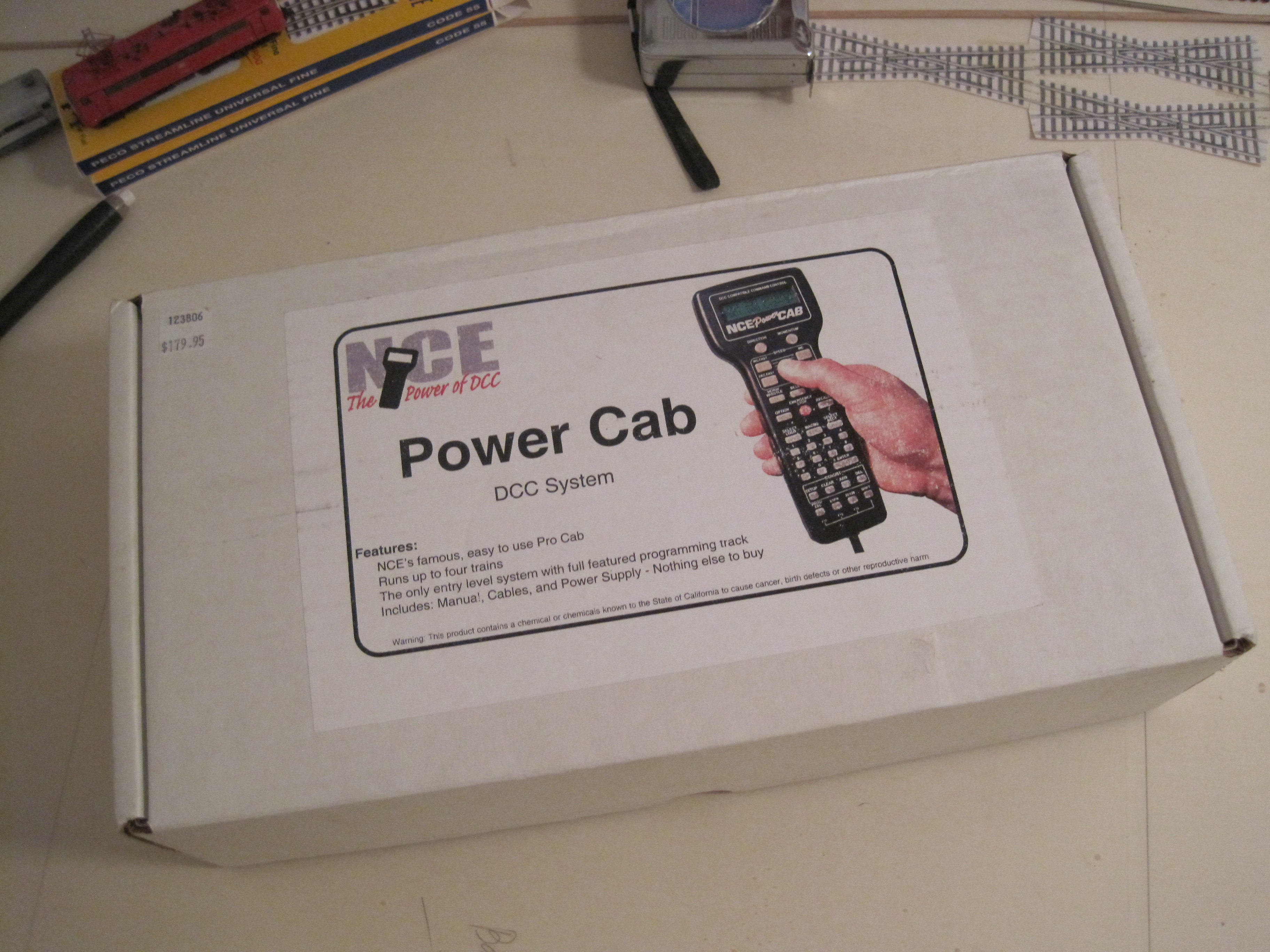
So, what is it all-in-one? A DCC system would have command station, throttle and power supply besides decoders – mobile or stationary. The NCE PowerCab has both the command station and throttle in one handheld. My set comes with 240V power supply but with American-style two pins. I need an adaptor or another power supply with the Continental Europe-style two pins.
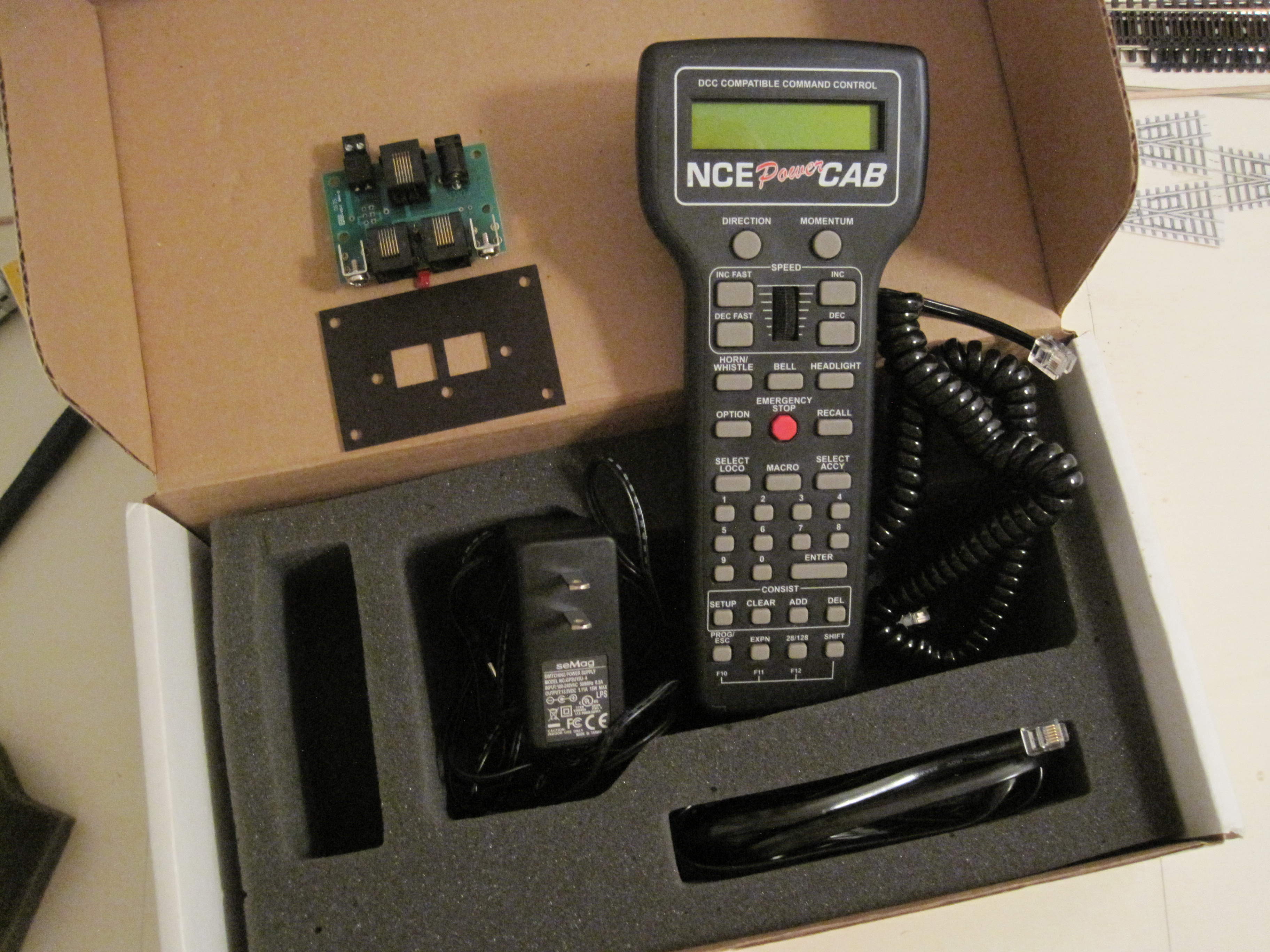
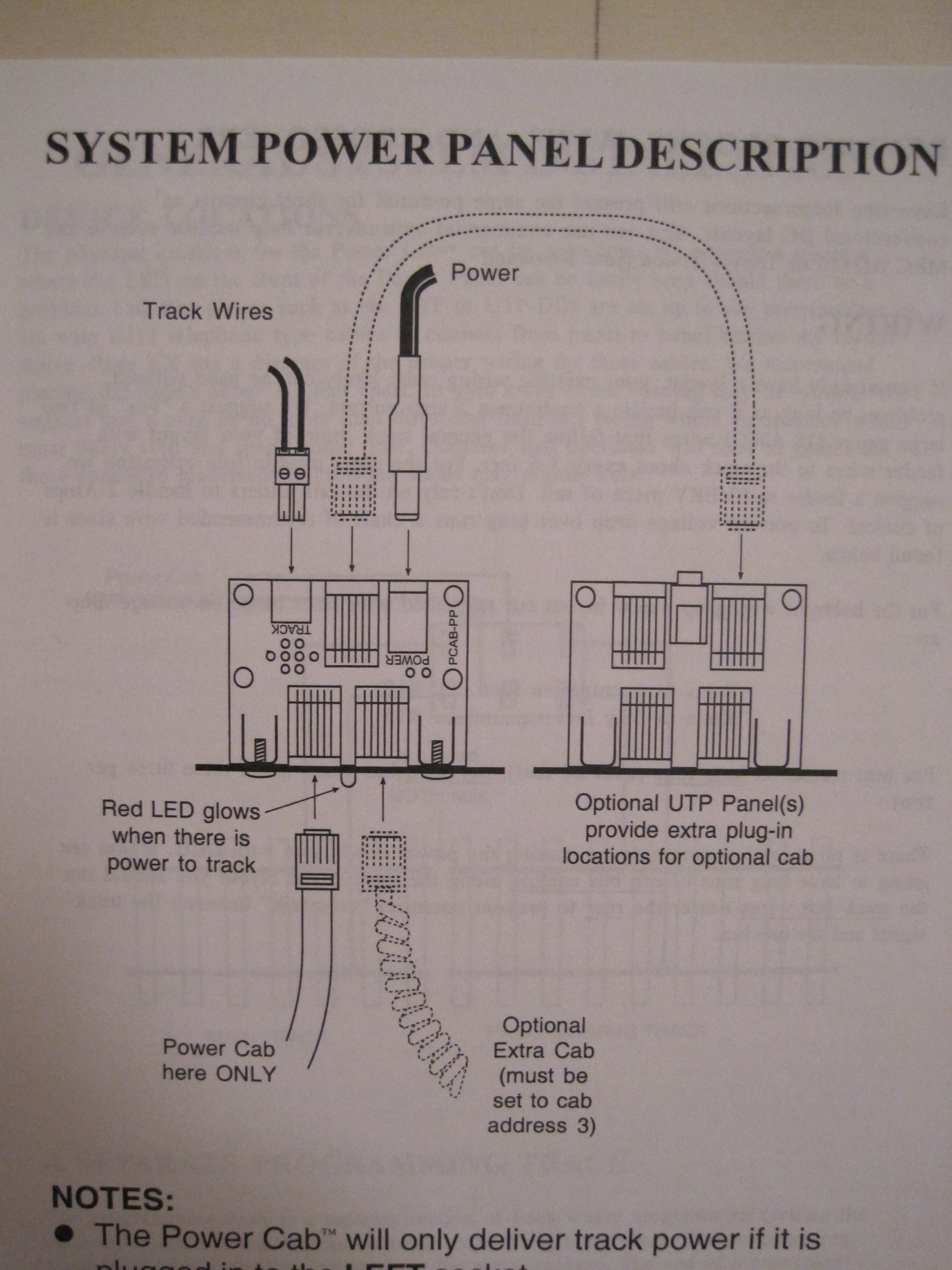
The set came with a coiled cable for optional throttle and a 7-feet flat cable for the throttle to the Power Cab Panel (PCP) (top left). Because the command station and the throttle are one unit, the throttle has to stay plugged to the PCP or else you will lose both power to the layout and trains. As the flat cable for the throttle to PCP is 7-feet long, I do not need additional Universal Throttle Panel (UTP). I measured the space that I have and I could move and turn around with just one handheld. An additional cab would be nice for a second person. I just need to decide where is the best place to put this PCP.
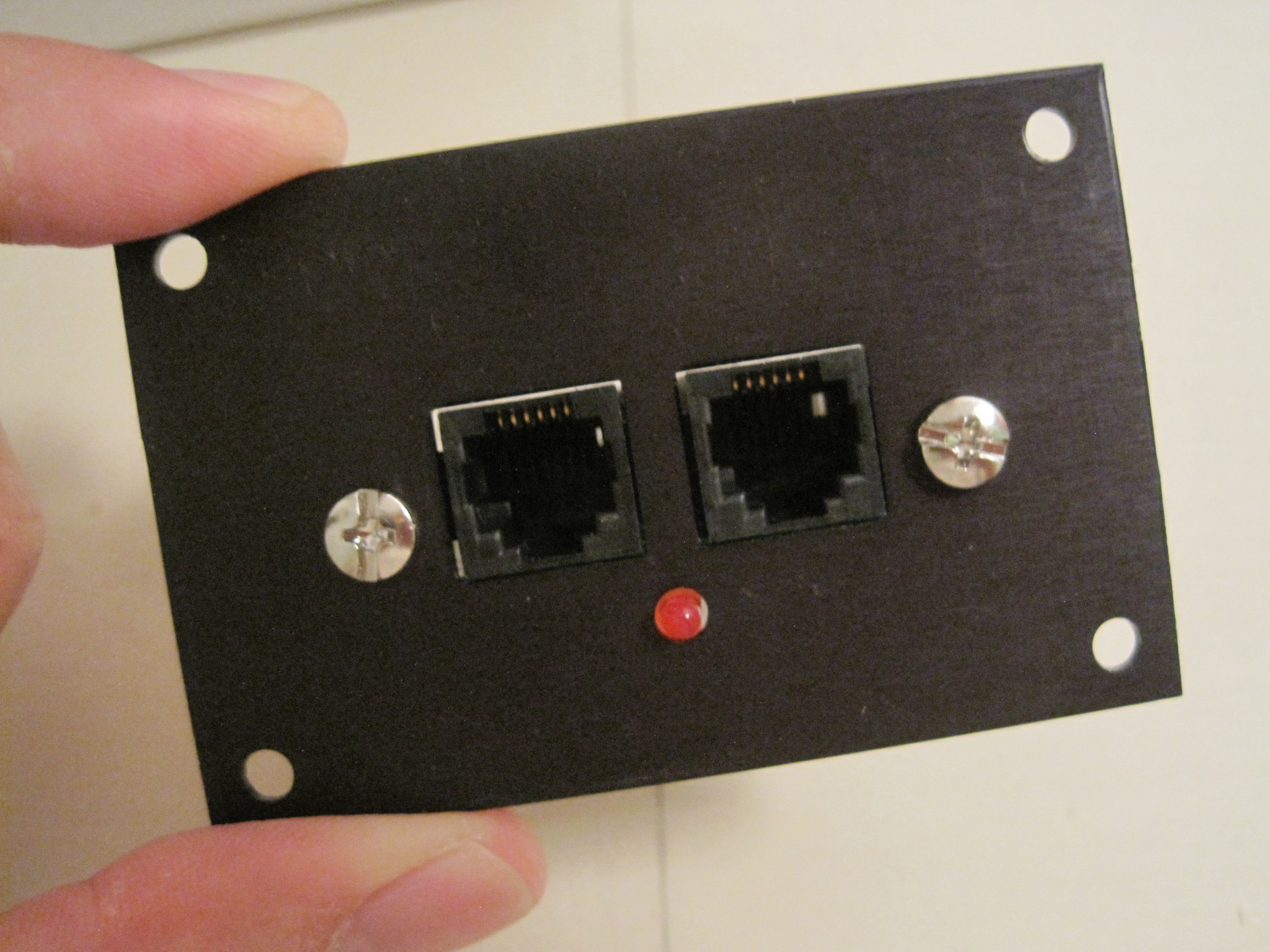
The PCP comes with a panel plate and a circuit board with connecting ports. The left port connects to the handheld throttle and the right port connects to optional cab throttle.

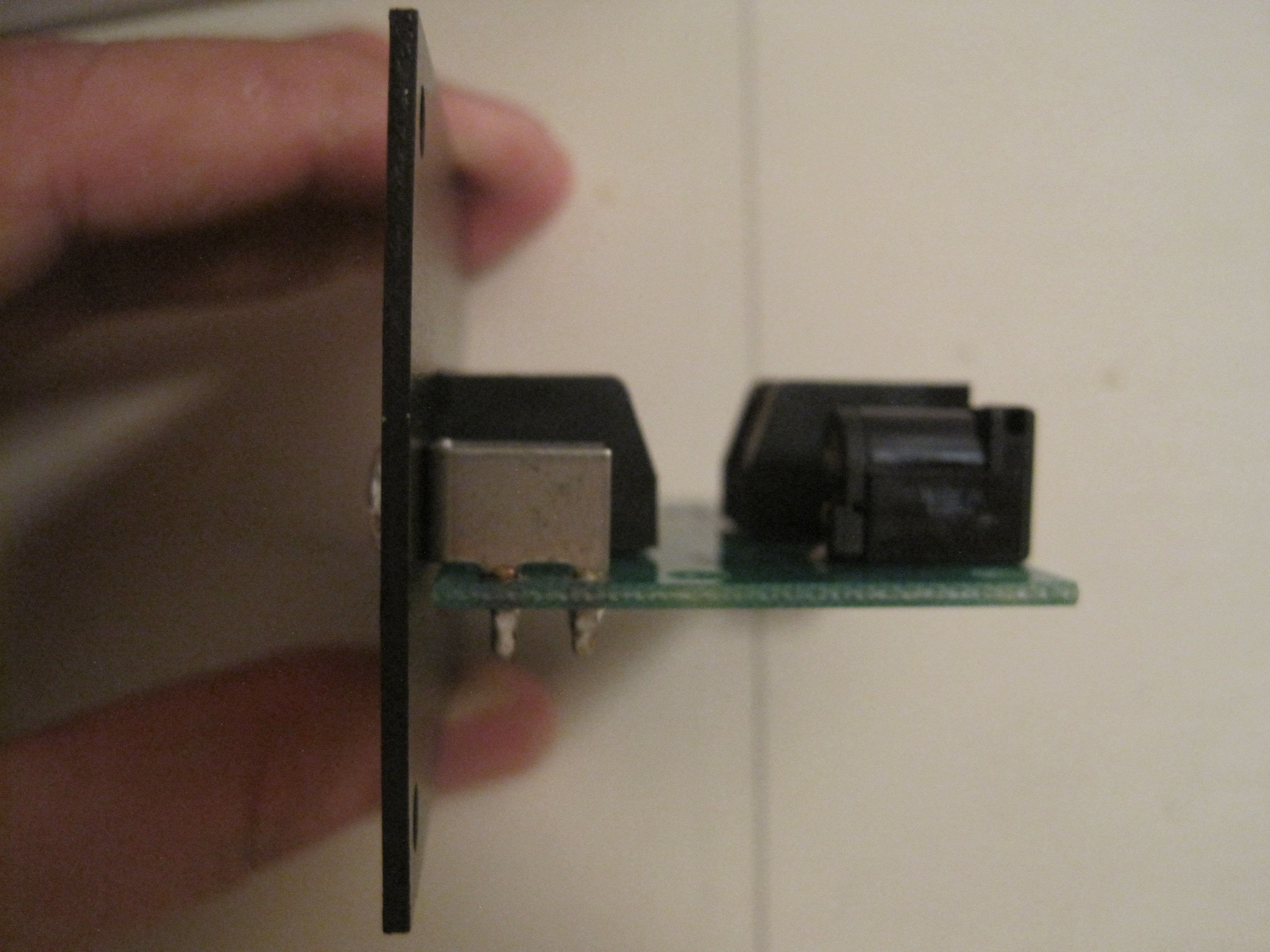

The back panel has a port for the power supply (left), a port for connecting to other UTP (middle) and a power to the track port (right).

One thing nice about the NCE PowerCab is that it has a terminal for power to track bus. Each wire – red/black (the common color code for track bus) can be screwed into the terminal, which is then attached to the socket. Cool eh.

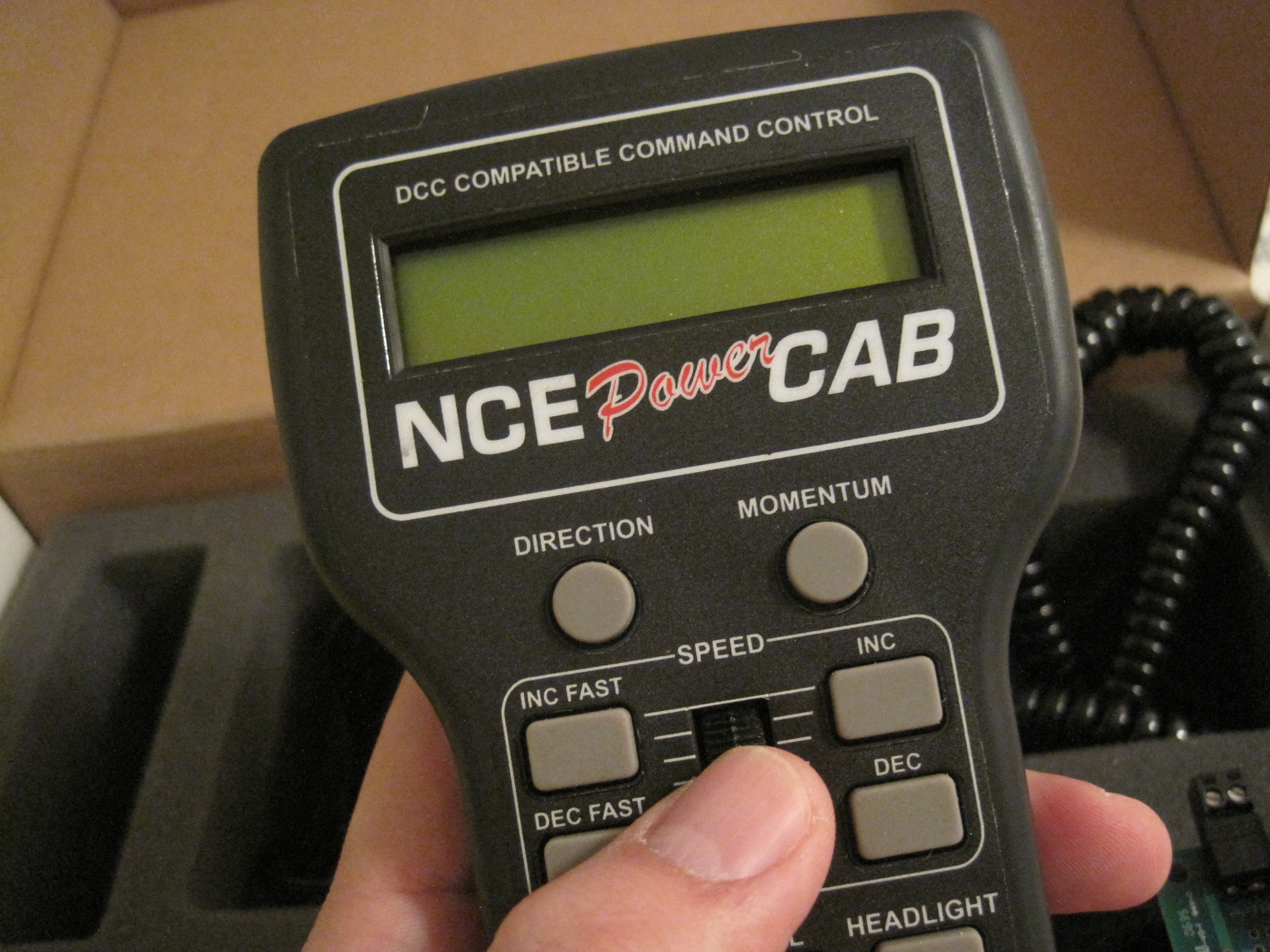
I was attracted by the simple handheld throttle (MRC is the other company that makes such handheld throttle but has separate command station). All the buttons within the reach of your thumb.


For those who like the “wheel” button to increase or decrease speed, NCE has one. In case turning the wheel is too slow, you have INC/DEC or INC FAST/DEC FAST.
Overall, it is a nice DCC system, which I have yet to realise its potentials. I did test it with my Kato P42 Genesis and Digitrax decoder back in 2005. Although this system is 10 years old, I need to send back to NCE for chip/software upgrades. I have missed 6 upgrades. The version that I have was 1.1 while the latest version is 1.65.
I was contemplating whether to sell this NCE and get a Roco/Fleischmann z21 (white), which uses wireless LAN and Android/iPhone/iPad apps. I did detailed research on z21 too and while it has its pros and cons, I decided to stick to my NCE PowerCab for now. I should at least give it a full go and see how the NCE PowerCab performs. After all I was sold by its features, look and feel back in 2005.
Now that I have part of my layout base structure ready, I will be looking deeper into electrical connections such as track and accessory busses, mobile decoders and other accessories for signals, turnouts and track detections. Stay tune for more.
 germaN:160 by traiNmaster